Why?
For this reading set you’ll be learning some digital audio editing basics so you can begin to manipulate and arrange your sounds to get results that you are happy with.
There are a number of DAWs (digital audio workstations) available for audio editing: Logic (Apple), Garageband (Apple), Audition (Adobe), Ableton, Audacity and more. The pay options are not particularly cheap, but they will get you professional tools and quality. In our classroom, we have Audition available for you. However, for working it home, I will have you download and use Audacity, which is free and open source software that still gets your good results, especially for introductory use. All of these tools have similar interfaces and tools, so what you learn in Audacity can translate to Audition and others.
Download Audacity and install it on your computer. You may need to also download and install FFmpeg separately to allow you to import and export a variety of audio formats, including M4A and WMA. Don’t click on any of the giant buttons. You should be looking for basic text links for your particular operating system near the bottom of the page.
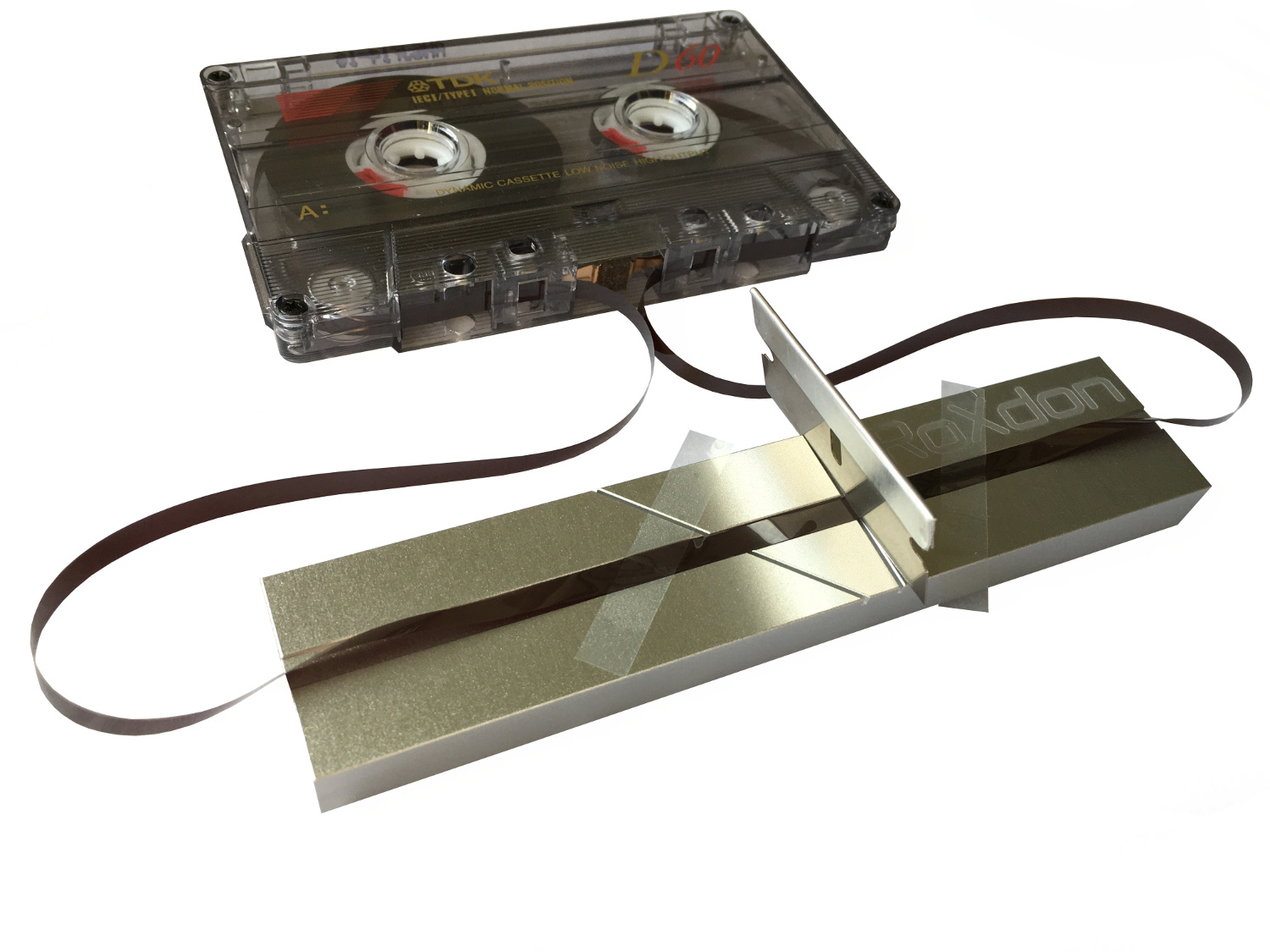
Below is a video showing you how old analog tape was edited, so you understand some of the features and terminology in DAWs because the digital workspaces use skeumorphs to help people understand how to use new technology. There is also a tutorial to get you started with Audacity. I want you to follow along with the tutorial, pause as necessary, and do what he does. This will help you remember the tools and features moving forward. We will then take this further in class to create your own sound art.
Finally, there are a few videos to introduce you to the basics of audio effects. We will explore more in class.
Required
Analogue Audio Tape Editing
“Editing and splicing analogue audio tape using a vintage Revox reel-to-reel tape deck.”
How to Use Audacity to Record & Edit Audio | Beginners Tutorial
“In this step-by-step tutorial, learn how to record and edit audio using Audacity. Audacity is free and open source and works across platforms, including Windows, Mac, and Linux.”
What are Audio Effects? Sound Basics with Stella – Episode 1
“What is reverb? What is delay? How about overdrive, fuzz or distortion? Watch audio engineer Stella Gotshtein guide you through the evolution of sound effects in music production.”
EQ Explained – Sound Basics with Stella Episode 2
“What is EQ? When and why do we use it? How can it change the sound of a single instrument or a full mix? Watch audio engineer Stella Gotshtein explain the importance of EQ in audio mixing.”
Reverb and Delay Explained – Sound Basics with Stella Episode 4
“Reverb and delay both create echo effects and are often used in recording and mixing. Watch audio engineer Stella Gotshtein demonstrate them on vocals and drum loops.”
Supplementary Readings
- Audacity
-
Audacity Tutorials, LinkedIn Learning
Once you have logged in using your Provo City Library credentials, then you can click here, or do you own search for “Audacity.”
- Adobe Audition
-
Learn Audition, Adobe
This series of relatively short video tutorials covers how to use Adobe's Audition, a professional tool for precision audio editing, mixing, and sound effects.
Learn How to Use Adobe Audition in 8 Minutes!
“This was a quick tutorial on how to get started with Adobe Audition.”
Adobe Audition Tutorials, LinkedIn Learning
Once you have logged in using your Provo City Library credentials, then you can click here, or do you own search for “Adobe Audition.”
- Multi-channel Audio Editing
-
Multi-channel Audio Installation Guide
Collin Bradford wrote this guide specifically for BYU students using the equipment available through tech checkout. “How to use the MOTU UltraLite AVB audio interface with your software (Adobe Audition or Max/MSP) to control spatialization of sound in sound installations.”
Response Question
Remember to cite specific instances from the “readings” to support your views.
- What are the most helpful things that you learned, and how might you use this in your own sound art projects?